If you need to add something to your family and house description, or to change the title of your listing:
- Log in to your account
- Enter your email address and password
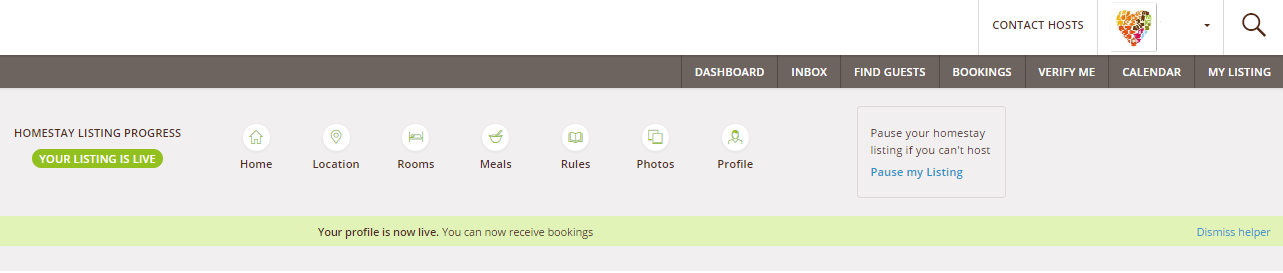
- Click “My Listing” top right of page
- Click "Home"
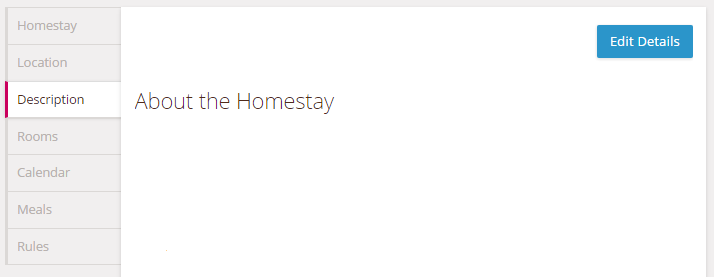
- Click on the Description tab of the navigation menu
- Click on Edit Details.
- Add your text and carefully check that all the House Facilities are correctly selected
- Click on Save Details.
Comments