If you need to add new pictures or change/delete old pictures, please follow these instructions:
- Log in to your account
- Enter your email address and password
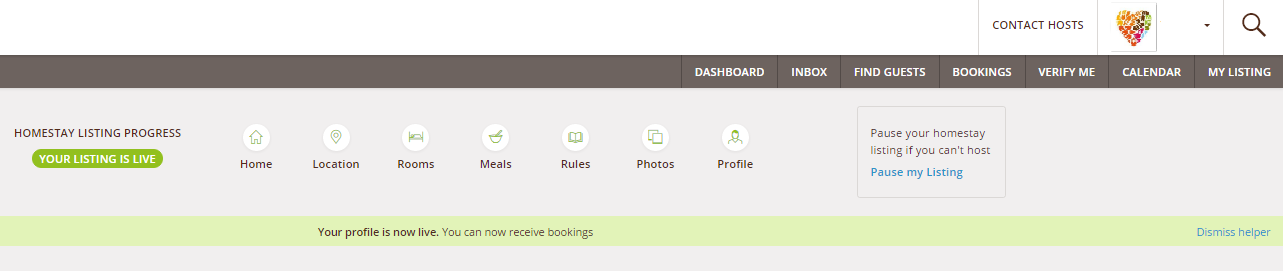
- Click “My Listing” top right of page
- Click on the Homestay Tab of the navigation menu
- Click on Photos
- To delete photos, click on the trash icon on the bottom right of the picture you want to delete.
- To add a title to a photo, just click on the white box on the top of the picture, and type your words.
- To add a new photo, scroll down until you see the blue empty box, click on it and upload the new picture.
- To rotate a picture, click on the Rotate icon on the bottom right of the picture,
TIP: hosts who add pictures of places of interest near their homestays get more requests to stay with them. Why not add some to your listing.
Comments