So that you can make an informed decision prior to accepting your guest request, we now have a guest profile page where you can view more details about your guest.
Here's how:
Simply to go your inbox
Chose a guest request and click
Once on the message screen, if you scroll slightly down the page, on the right, you'll be able to see a yellow button with the text "view (guests name) profile" as shown below, this demo guests name is "Say"
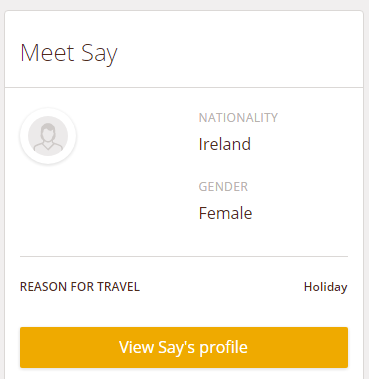
If on the other hand you're a brand new host, and you don't have any guest requests, Here's an example of a guests profile page showing the information that is available to be seen on the guests profile.
Comments